Desk Size Guide: Width, Depth and Working Space
Choose a desk using your equipment, usable surface and chair movement. Compare width and depth before shopping for a home office.
Choose a desk by laying out the work you do. A laptop, a separate screen and a stack of drawings need different amounts of surface, even when the people using them have the same size room.
Measure your equipment first. Then compare the usable desktop and the space underneath with the advertised outside dimensions.
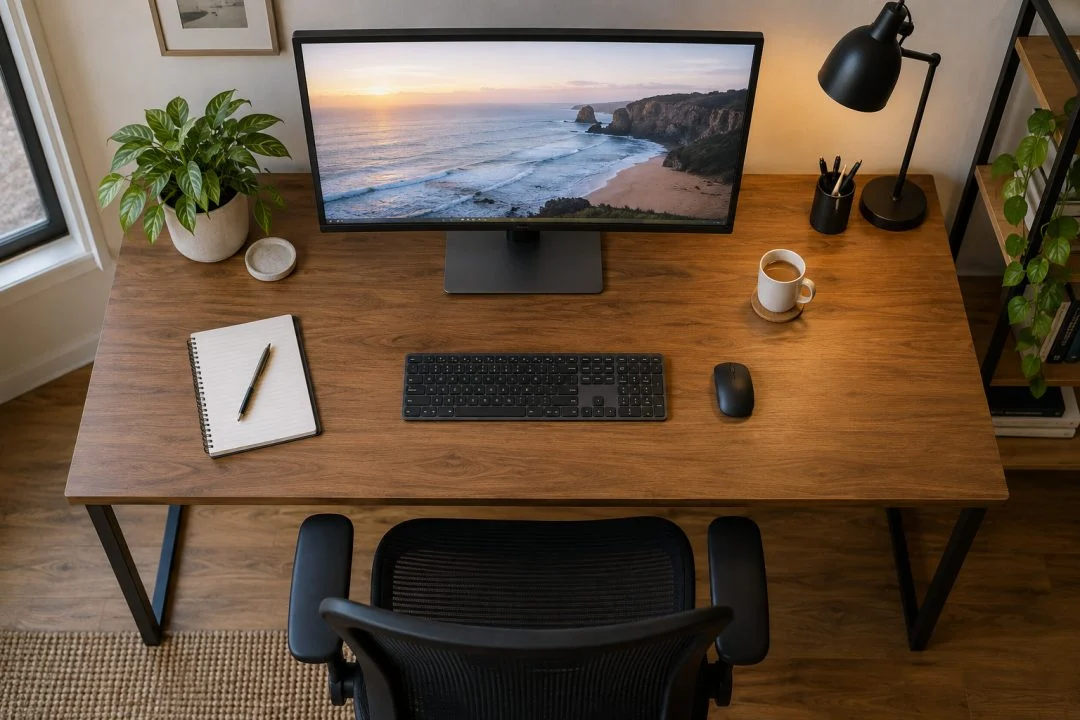
Make an equipment footprint
On a clear surface, arrange the items as you would use them: screen or laptop, keyboard, mouse, notebook and anything that stays on the desk. Include the monitor stand’s base and the mouse movement area.
Measure the width and depth of that arrangement. Do not pack the objects tightly merely to reach a smaller number. You need to use them, not transport them in a box.
| Your setup | Easy-to-miss space |
|---|---|
| Laptop and notes | Writing space beside the computer and any separate input devices. |
| One external screen | The stand base, screen position and keyboard-to-mouse area. |
| Two screens | The combined screen arrangement and stands, not just each diagonal size. |
| Paper-heavy work | Documents open at the same time, rather than stacked for the photo. |
Depth is not spare space
A shallow top may hold a monitor stand but leave little choice about the viewing position. Check the whole setup against appropriate workstation guidance. The home-workstation guide explains the adjustment process and links to official resources.
Look at the rear edge too. A cable outlet, shelf or raised section can reduce usable depth. If you intend to fit a monitor arm, verify the desktop’s suitability, thickness, fixing method and load requirements with the relevant manufacturers.
Measure underneath
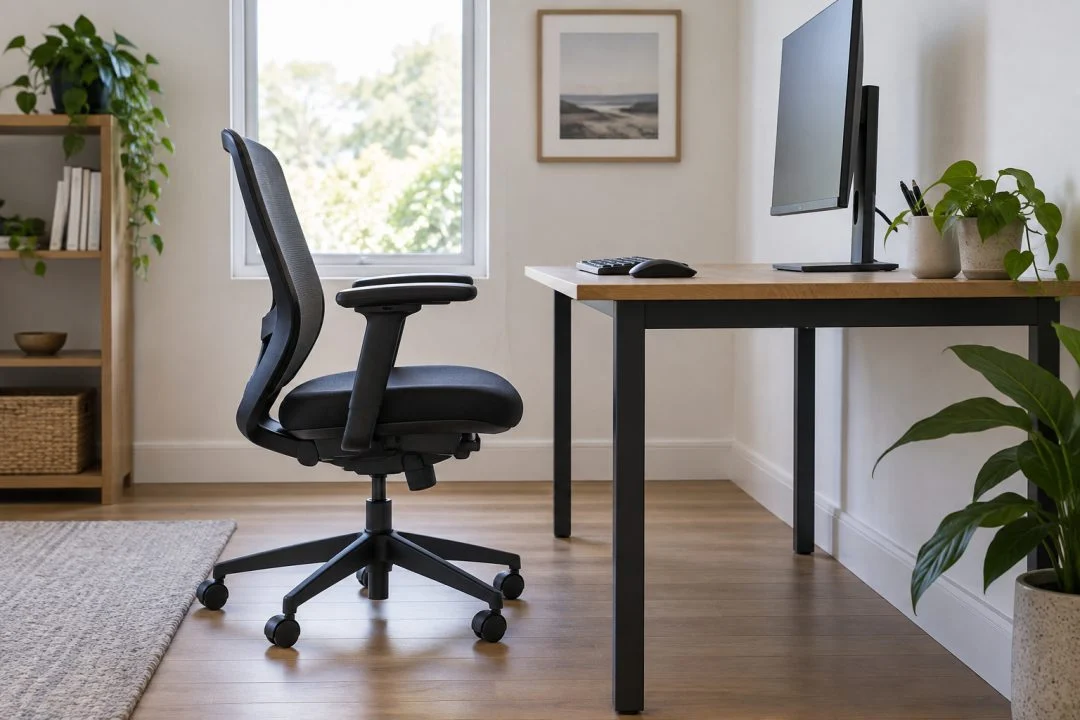
Check the clear width between legs or drawer units, the height beneath the top and any crossbars. Include your chair and legroom in the comparison. A 140 cm desk with a large drawer pedestal does not provide 140 cm of clear space underneath.
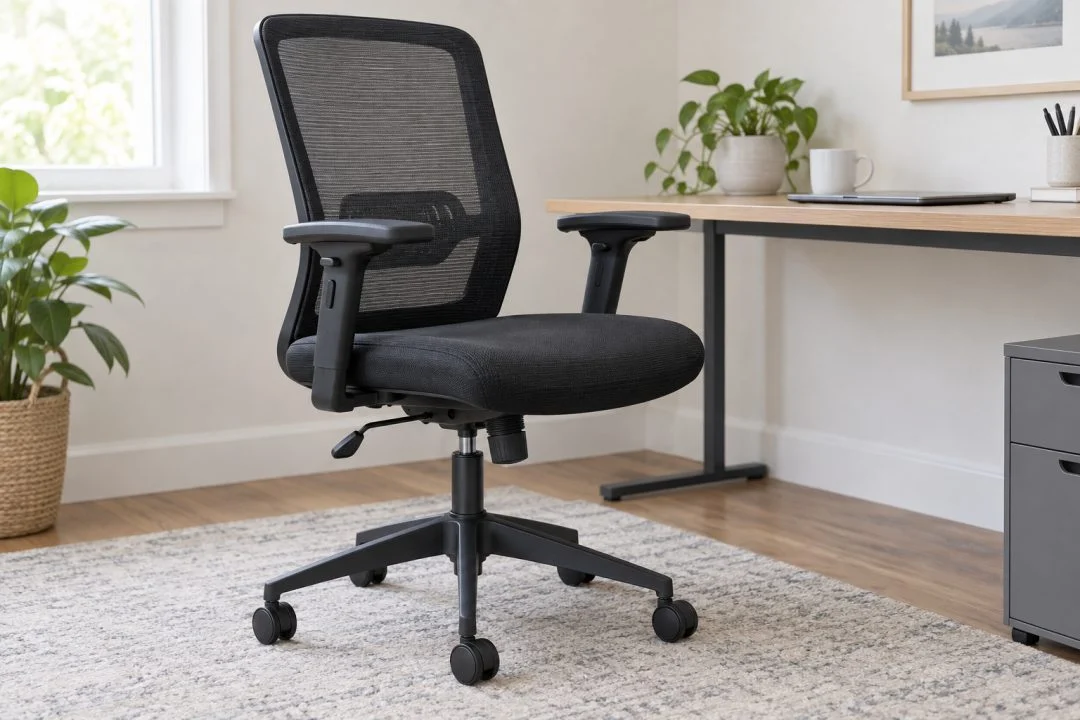
Use the office-chair checklist to compare the chair and desk together. Check whether armrests or other parts prevent the chair moving into the position you need.
Put the desk in the room
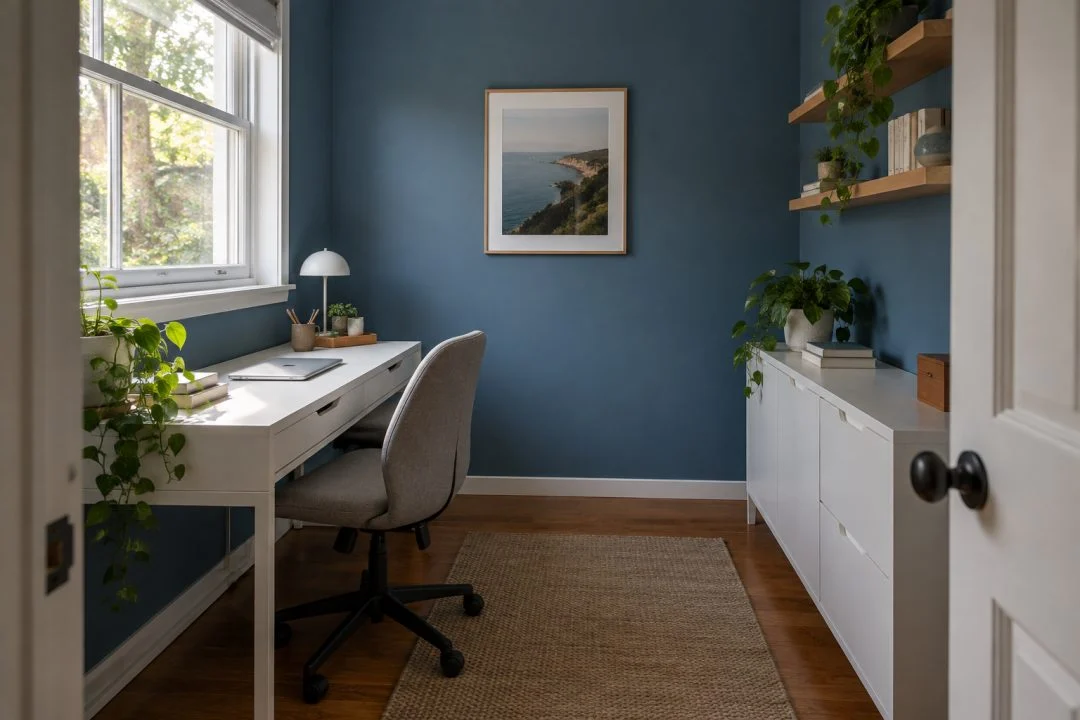
Draw the chair while occupied and the route behind it. Add the door, storage openings and outlets. The small-office layouts show why a desk that fits a wall may still be too large for the working arrangement.
Your shortlist numbers
Equipment layout width and depth · usable desktop size · clear leg opening · chair operating space · overall room footprint · stated load capacity.
Once these checks work, compare storage, finish and price. For a broader starting point, see choosing a desk and chair for a home office.