A good home office starts with the work you do, not a matching desk-and-chair photograph. Lay out your equipment and build the furniture shortlist around it.
Measure the equipment footprint
List the screen, keyboard, mouse and other tools that need room on the desk. Measure the depth and width they occupy, then check leg space and where cables and power connections will sit. A desk’s outside dimensions do not describe all of its usable workspace.
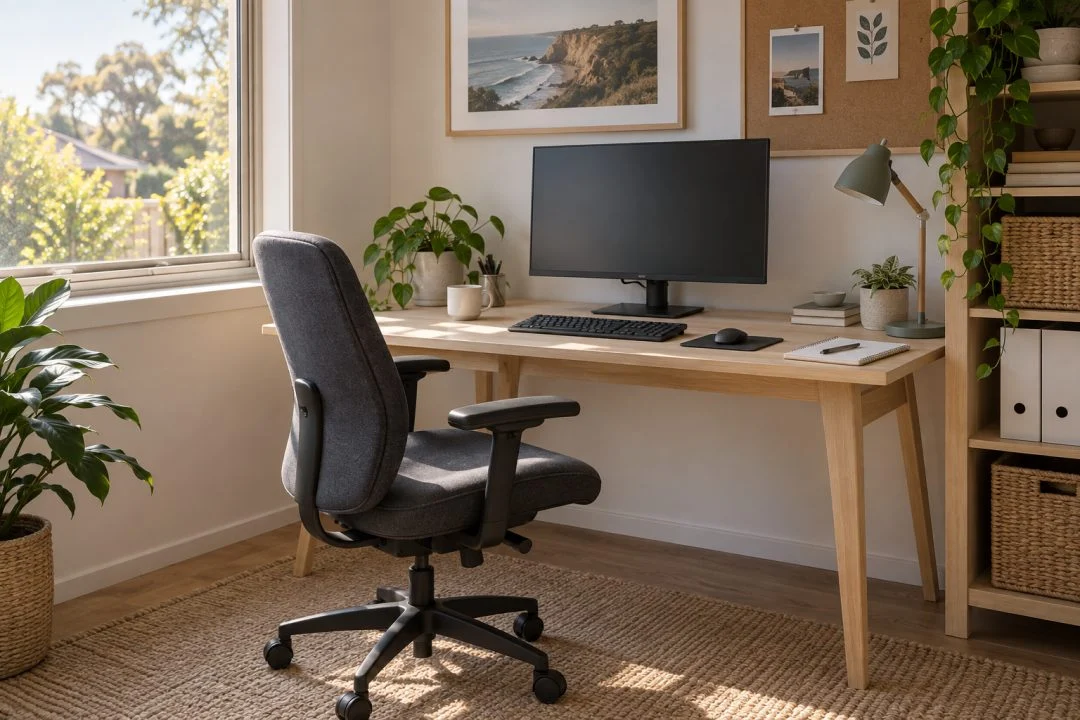
Check what adjusts
Compare the chair’s seat-height range, back support, arms and any adjustment features specified by the maker. For a height-adjustable desk, check its operating range and rated capacity. A gaming label or an “ergonomic” product name does not tell you whether it fits you.
Set the workstation up together
A desk and chair need to work as one arrangement. Safe Work Australia’s workstation guidance includes support for the feet and lower back, relaxed shoulders, and equipment placed to reduce awkward reaching. Use the guidance to assess your own setup and seek appropriate workplace advice when needed.
Leave room to move
Allow for the chair to pull out and turn, and keep the route to doors clear. Check drawers or cabinets in their open positions. If you change between sitting and standing, arrange equipment so it remains usable in both positions.
Compare the complete purchase
Read whether a desk top, frame, storage component or chair is sold separately. Check assembly and floor protection requirements, then compare the actual combination you need.
Questions, answered.
Does an ergonomic label guarantee the right fit?
No. Compare the dimensions and adjustments with the user and the work being done.
Should I compare only the desk width?
No. Depth, leg space, equipment layout and room for the chair matter too.