How to Organise Desk Cables and Keep the Floor Clear
Organise desk cables around access, movement and equipment instructions. Keep the floor clear without hiding problems in an overloaded cable box.
A tidy cable setup is one you can understand and maintain. Start by identifying the leads, then give them a route that stays clear of your feet and moving furniture.
- Identify before unplugging. Save work, shut down equipment as required and follow its instructions. Label leads at the ends if that helps you recognise them later.
- Remove what is no longer used. Store spare leads separately. Do not leave unused cables tangled beneath the desk simply because they were there before.
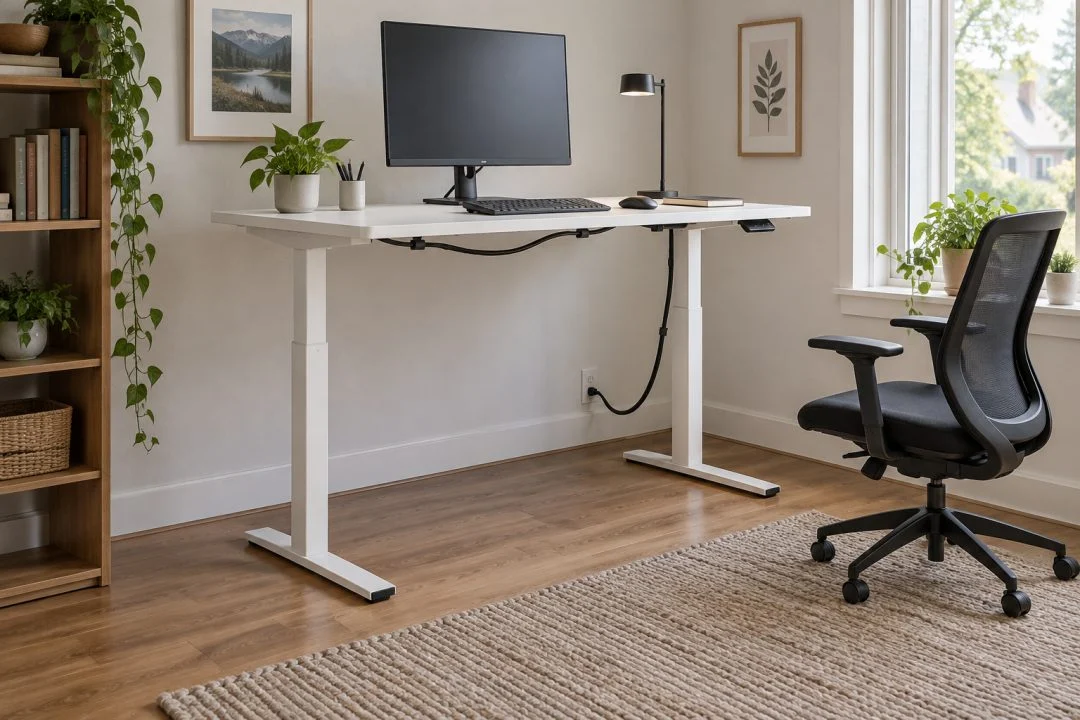
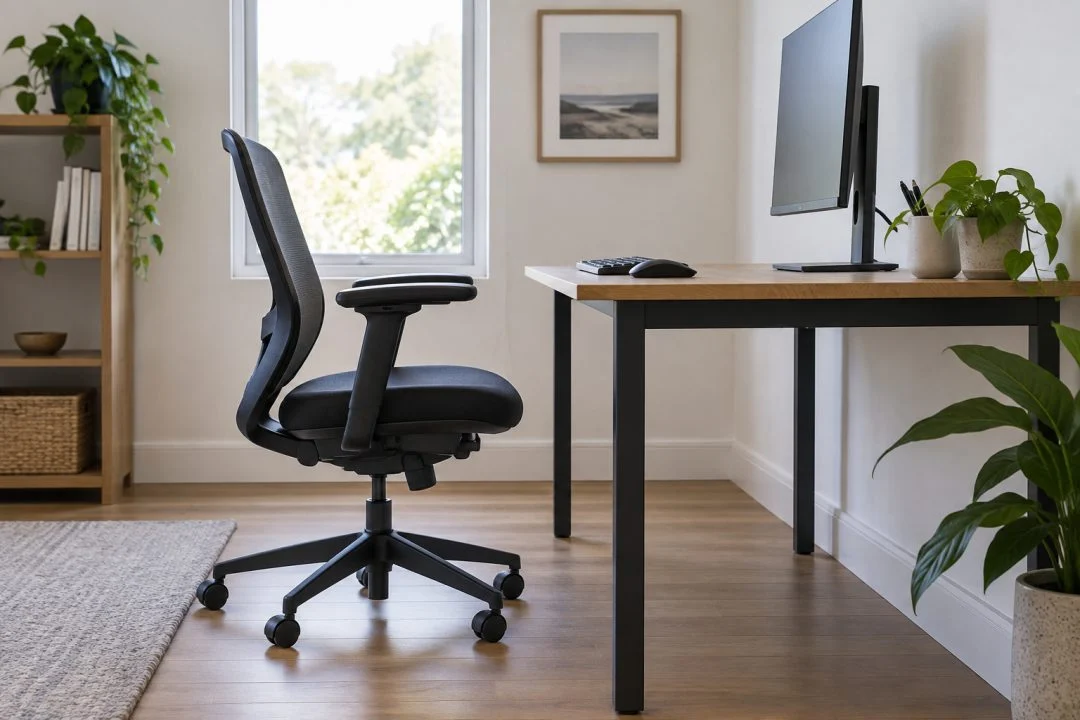
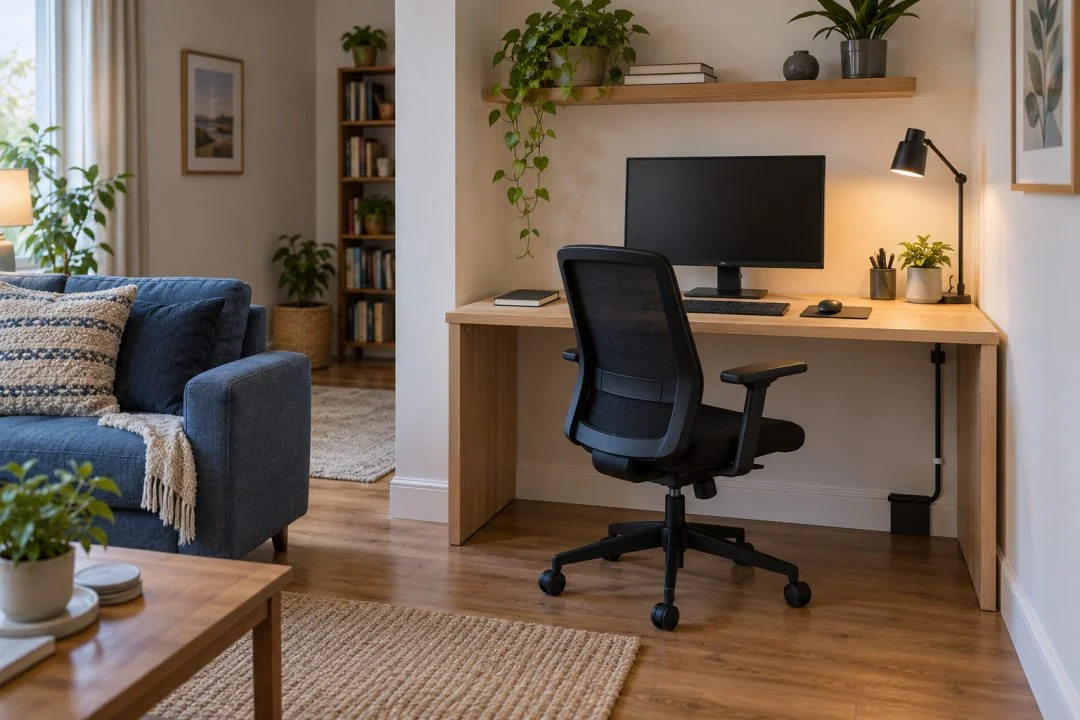
- Choose the route. Keep leads away from the chair’s wheels, doorways and sharp or moving parts. Check where equipment needs to be moved for access or maintenance.
- Use suitable organisers. Select clips, trays or ties compatible with the desk and cables. Follow the organiser’s installation instructions and avoid crushing or tightly bending leads.
- Keep equipment accessible. Do not seal adapters or power equipment into an unventilated box. Follow the manufacturer’s clearance and ventilation requirements.
- Test the whole movement. Move the chair and, for an adjustable desk, check the complete permitted travel. Leads must not pull tight, snag or enter the mechanism.
This is organisation advice, not a guide to altering electrical wiring. Do not repair damaged electrical leads or improvise connections. Use appropriate qualified help for electrical work and follow the equipment’s safety instructions.
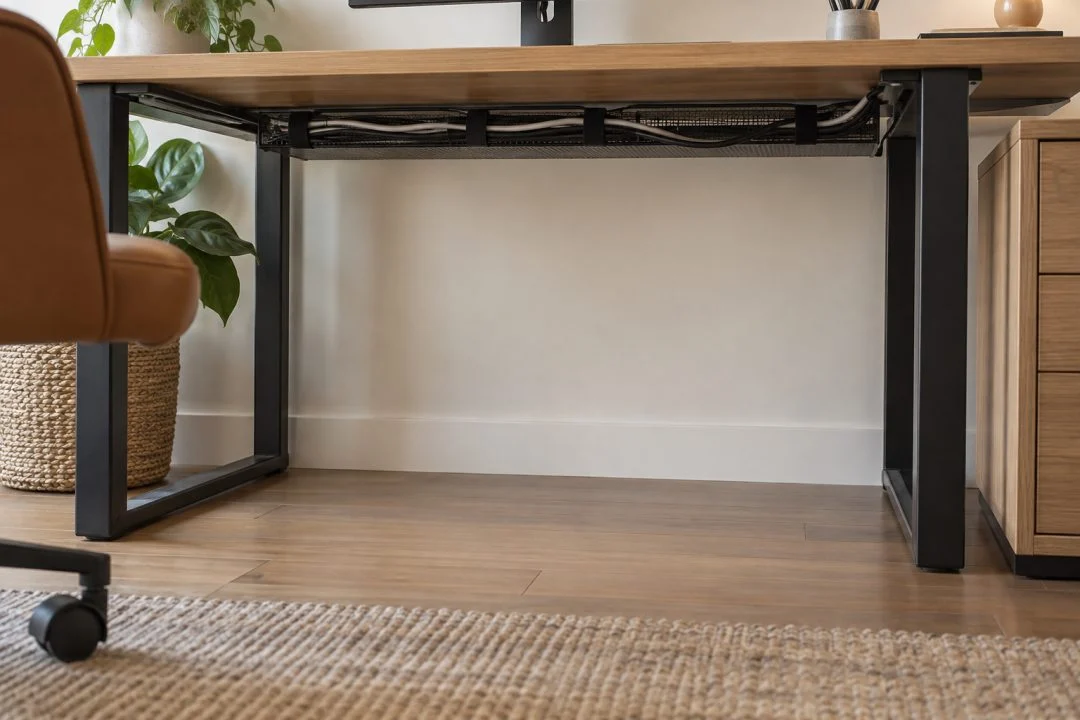
Leave enough freedom to maintain it
A bundle that looks perfect but prevents you unplugging one device is unnecessarily difficult. Group leads by the equipment they serve and keep their ends identifiable.
Take a photograph once the arrangement works. It can help when reconnecting equipment after cleaning or a move. Review the route whenever you add a screen, change the desk height or move a drawer unit.
The sit-stand desk checklist covers movement and clearance. If the desktop itself is too crowded, revisit desk sizing rather than expecting cable clips to create more working surface.